Installation
HyprDesk is a desktop tool built in Rust with iced, designed specifically for the Hyprland compositor on Wayland. It offers a centralised panel where you can adjust the main settings of your environment without editing any configuration file by hand. From screen brightness to monitor management, everything is one click away.
curl -fsSL https://raw.githubusercontent.com/Besori-Company/HyprDesk/main/scripts/install.sh | bashRequirements
The installer downloads everything you need automatically.
-
brightnessctlHardware brightness control -
hyprsunset/wlsunset/gammastep/redshiftNight mode: uses whichever one you have installed -
hyprctlMonitors and opacity: bundled with Hyprland -
polkitPrivilege escalation for profile changes -
glib2Communication with AccountsService for avatar and user name -
accountsserviceSystem daemon for user account management
Features
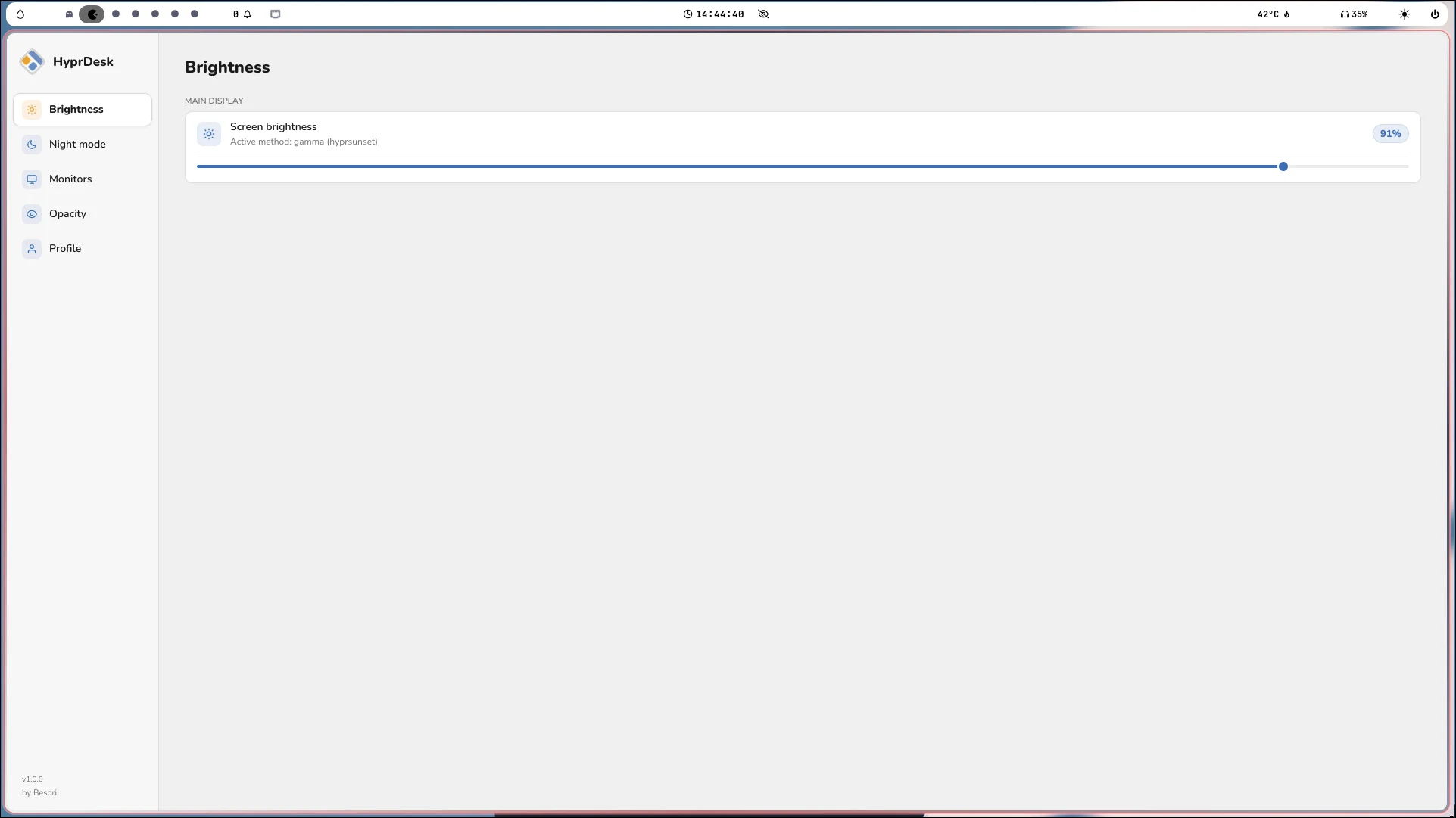
Brightness
Adjust your screen brightness in an easier, simpler way.
Technical details
Night mode
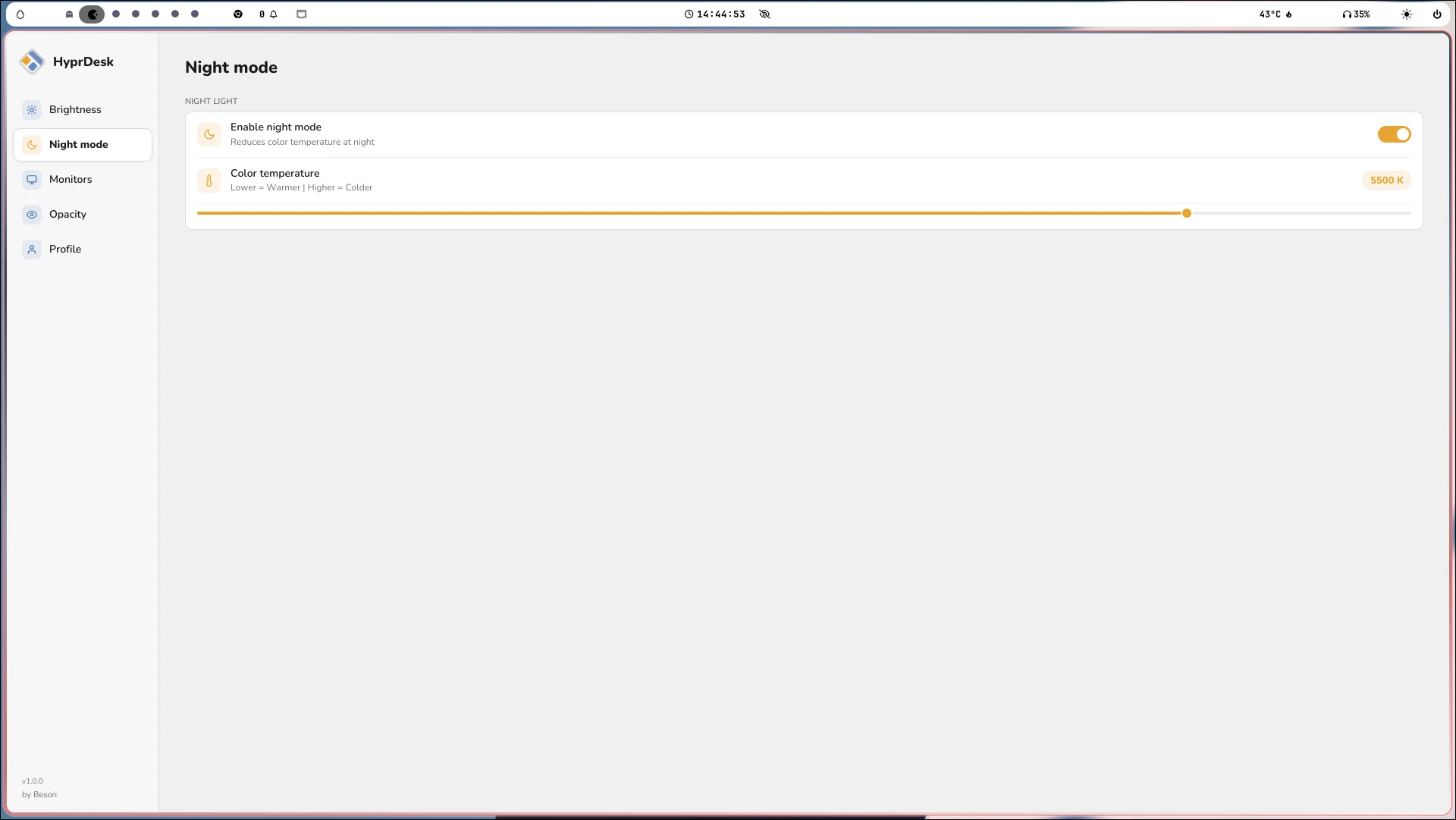
Reduce blue light to protect your eyes in low-light environments. Pick the warmth that suits you best at any time of day.
Technical details
Monitors
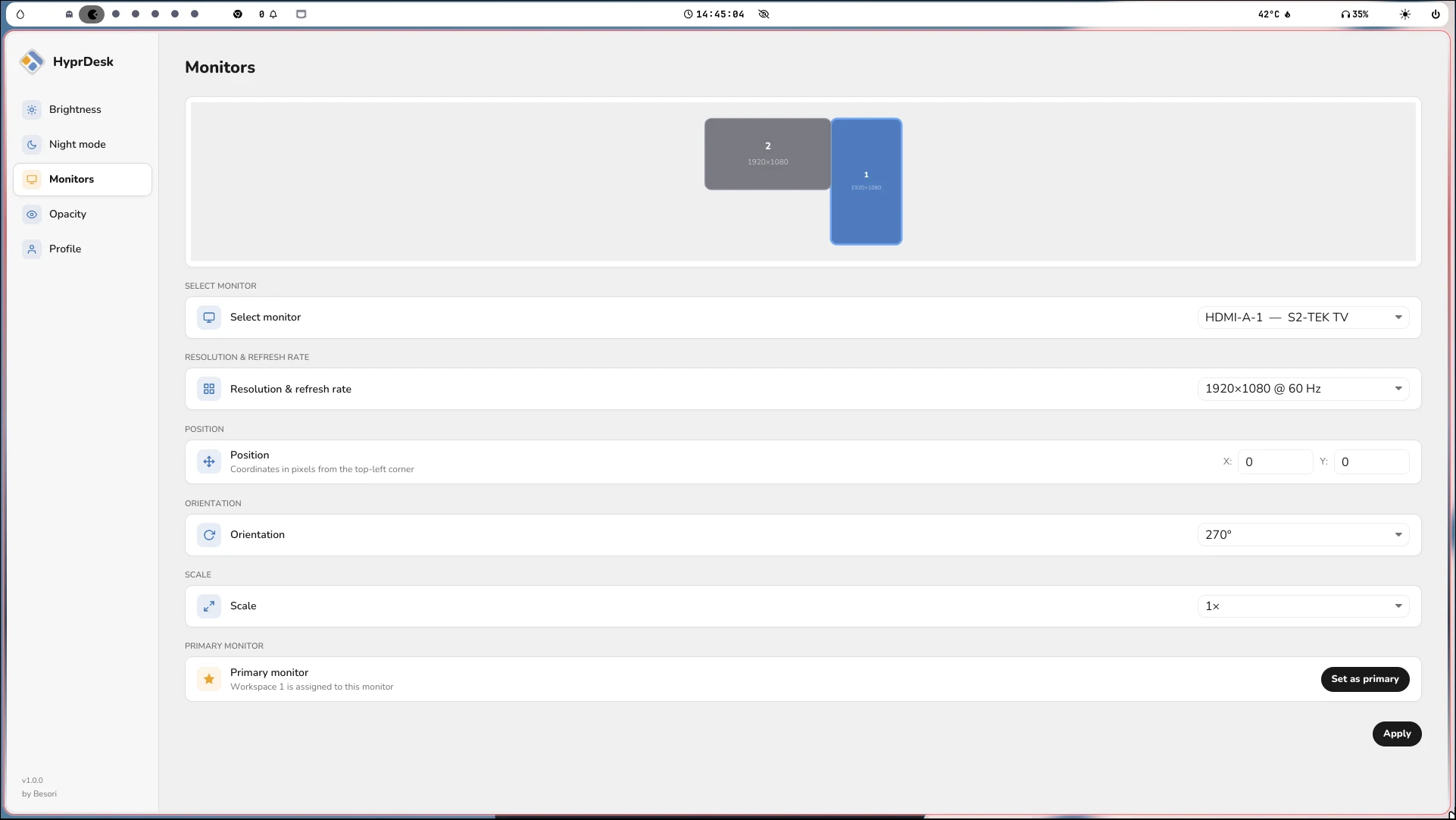
Arrange your screens by dragging them into the position you need. Set resolution, refresh rate, orientation, scale and primary display all from one place.
Technical details
Opacity
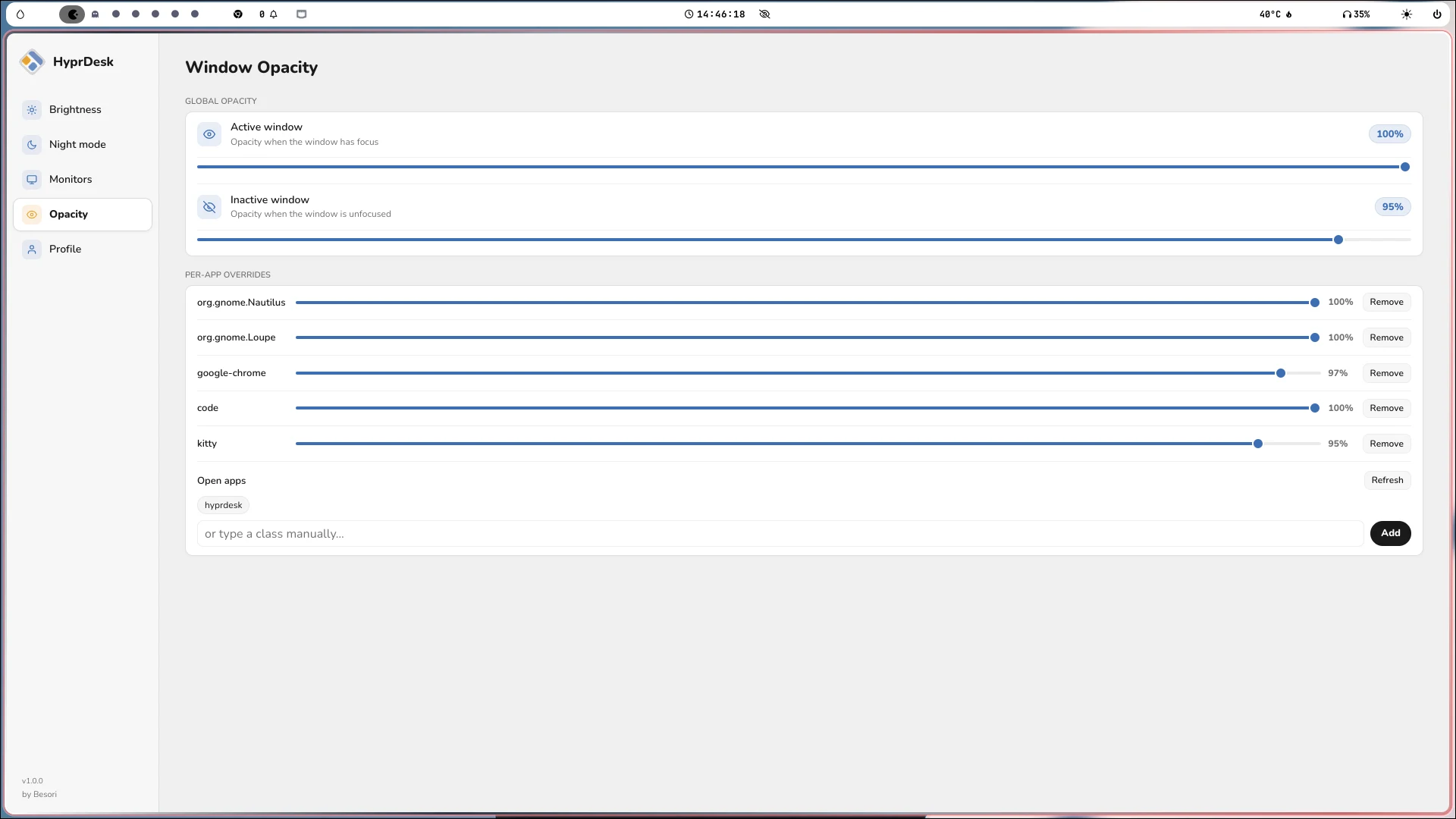
Control the transparency of your windows globally or per application.
Technical details
Profile
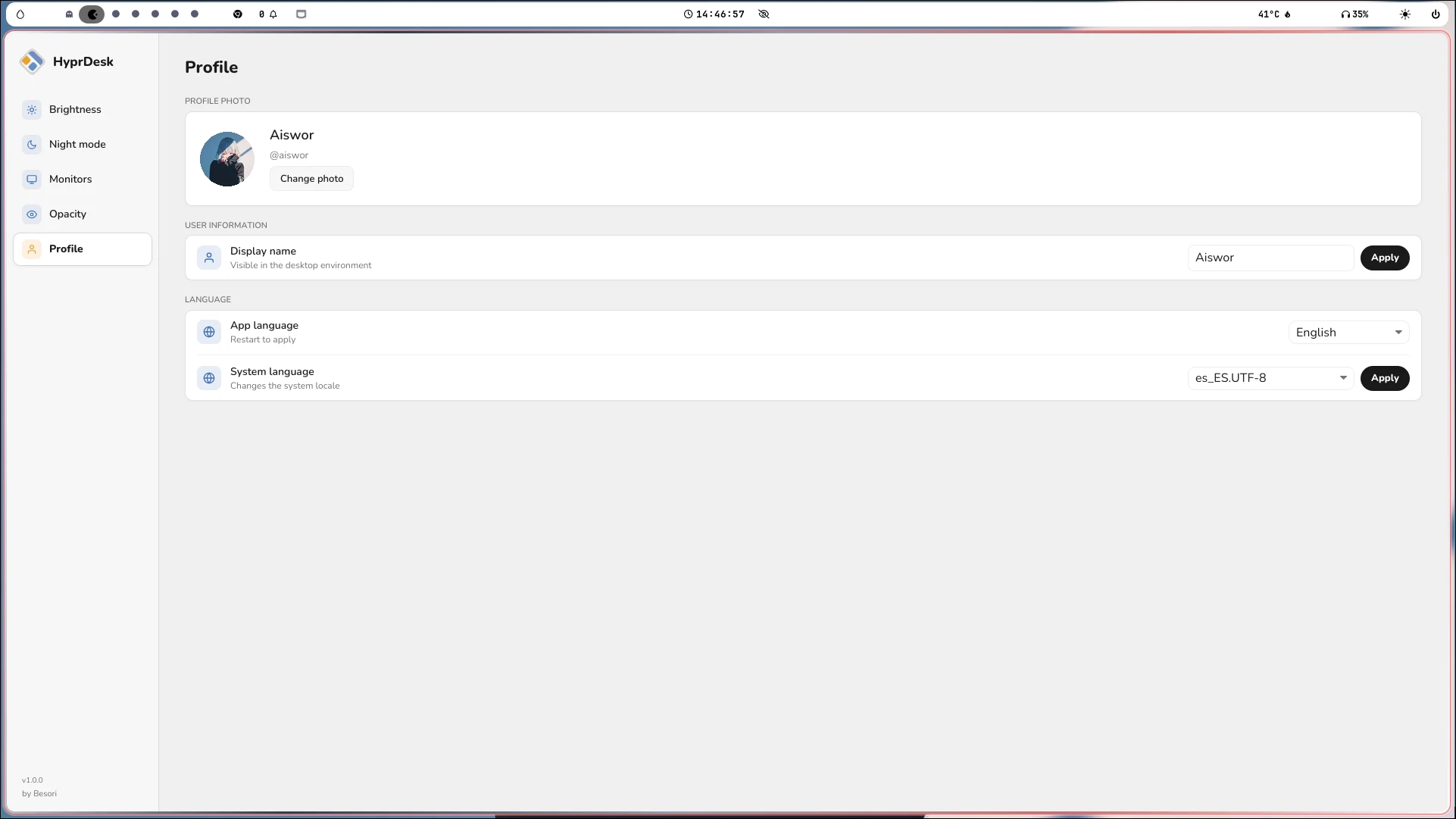
Update your profile picture, change your user name and choose the interface language.